Find what takes up space
See the biggest months in your library and review large videos, screenshots and Live Photos.
 Photo Cleaner
See which photos and videos take up space, then choose what to keep, compress or delete.
Coming soon to the App Store
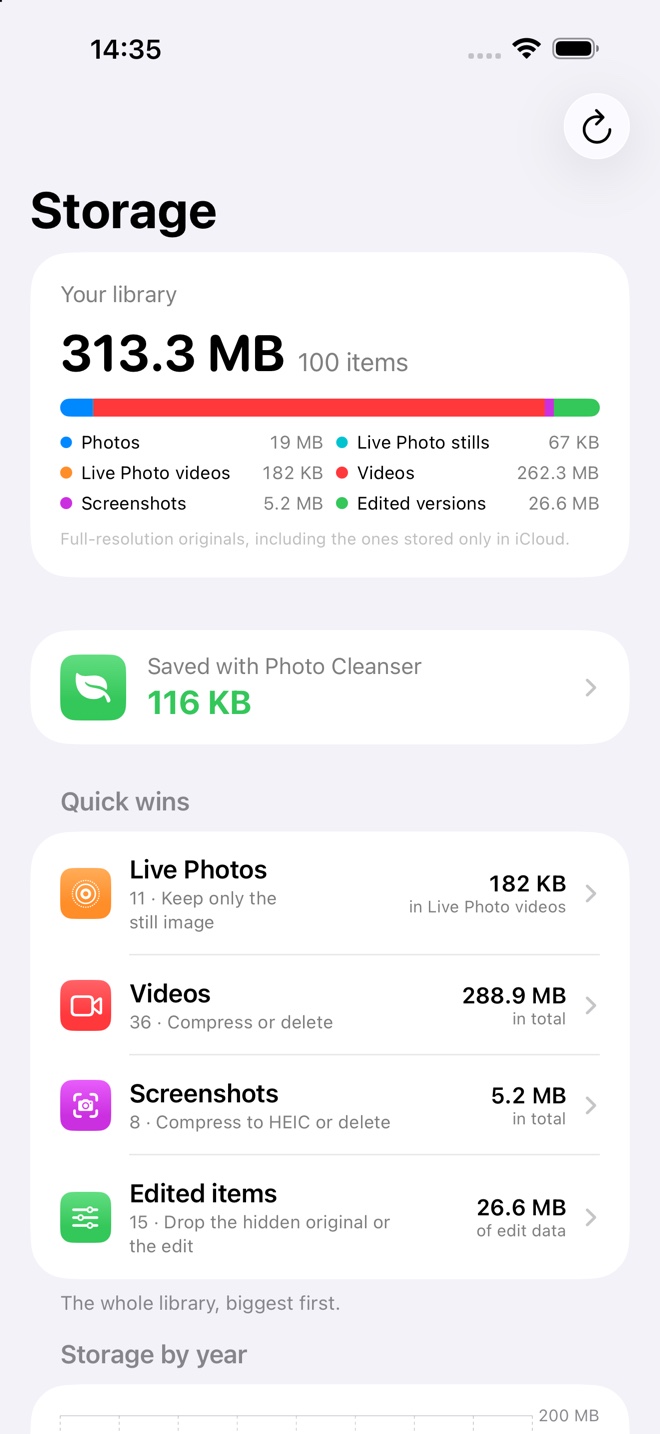
See the biggest months in your library and review large videos, screenshots and Live Photos.
Preview a compressed clip and compare it with the original before deciding whether to replace it.
Review exact copies verified by file content and compare similar shots side by side.
You decide what to delete. Deleted items go to Recently Deleted in Photos. Usage analytics are off by default.